Leaves Bundle SVG: Greenery Floral Leaf Collection
What You Actually Receive in One Download
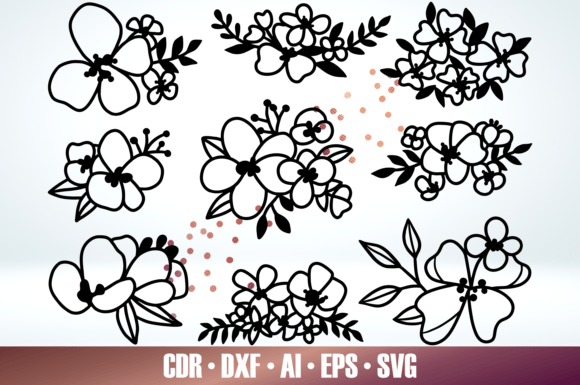
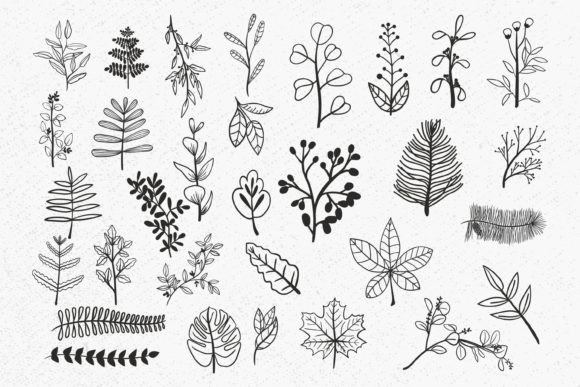
The bundle provides 31 unique designs, each supplied in four formats for a total of 124 files. The SVG files are clean, layered, and ready for cutting with Cricut Design Space or Silhouette Studio Designer Edition. The PNG files come with a transparent background at 300 dpi, making them instantly usable in Canva, Photoshop, or any program that accepts raster graphics. For Silhouette Basic Edition users, the DXF files open directly without needing a software upgrade. EPS files round out the offering, giving you vector compatibility with Adobe Illustrator, Corel Draw, Inkscape, and other professional design tools. This format redundancy means you are not locked into one platform; you can switch between cutting machines, use the same graphics for print and web, and even share files with collaborators who rely on different software.
Why a Cohesive Greenery Floral Leaf Collection Matters
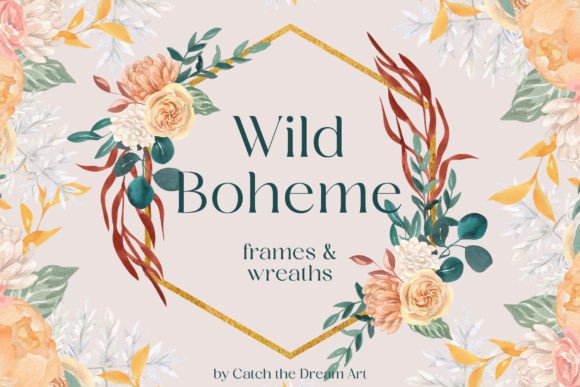
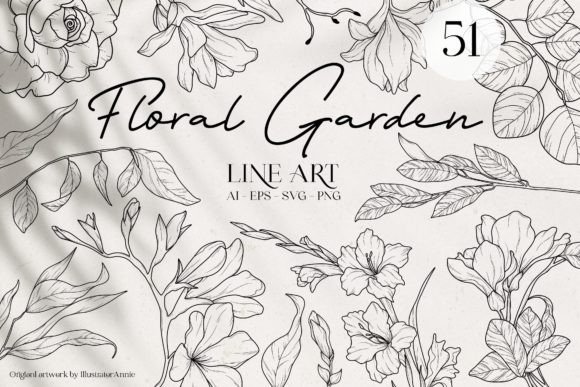
Time saved is the most immediate benefit. Instead of hunting for a leaf svg that matches a decorative border svg, every piece in this bundle was drawn to work together. The floral divider svg and text divider svg sets follow the same delicate line weight and organic curve as the individual leaves, so you can build layered compositions without jarring style conflicts. This consistency makes it easier to create professional-looking wedding stationery suites, cohesive branding assets, or a series of social media posts that feel like a set.
Practical Applications That Go Beyond the Obvious
While the leaves bundle svg is an obvious fit for wedding invitations and rustic decor, its versatility stretches much further. A blogger might use the frame svg elements to create promotional graphics where headlines sit inside a leafy wreath. A small business selling custom apparel can combine the borders and vines to build unique T-shirt designs in just a few clicks. Crafters who make HTV (heat transfer vinyl) projects will find that the detailed yet cut-friendly shapes of the leaves svg and greenery bundles weed cleanly and press smoothly.
Scrapbookers and card makers can print the PNG files onto vellum or sticker paper, adding layered greenery to personal projects without needing a cutting machine at all. The border svg and floral divider assets double as reusable elements for digital planners, e-book layouts, and presentation slides, giving an organic, soft frame to text-heavy documents. Because the transparent background PNGs are already isolated, they drop seamlessly into any color scheme or background, saving the extra step of removing a white box.
Who Benefits Most from This Format-Friendly Collection
- Cricut and Silhouette crafters: You can start cutting immediately. SVG files work natively in Cricut Design Space and Silhouette Designer Edition; DXF files are included specifically for Silhouette Basic Edition, so you can use the bundle even without a software upgrade.
- Graphic designers and marketers: EPS and SVG vectors let you recolor, resize, and restyle every leaf and vine without quality loss. Use them as logo embellishments, packaging accents, or website dividers.
- DIY brides and wedding stationery designers: The hand drawn leaves svg, delicate florals, and wedding ornament svg pieces lend a romantic, organic feel to invitations, menus, place cards, and signage. The set includes enough variety to style an entire event suite without repetition.
- Print-on-demand sellers: With 300 dpi PNG files and crisp vectors, you can place these designs on mugs, phone cases, pillows, and more. The transparent backgrounds keep the product mockups clean and ready for upload.
- Bloggers and content creators: The text divider svg and frame svg elements make it simple to break up blog posts, style Pinterest pins, or design email newsletter headers that feel fresh and natural.
A Closer Look at the Design Style and Aesthetic
File Compatibility and What You Need to Know Before You Start
A small but important nuance: the SVG files will work best with Silhouette Cameo only if you have the Designer Edition upgrade. Without the upgrade, you will need to use the provided DXF files instead. This is clearly noted in the product details, but it is a common point of confusion. Cricut users can open the SVG directly with no extra steps. If you rely heavily on Adobe Illustrator or Corel Draw, the EPS files are the most natural fit, and they also integrate smoothly into Inkscape, a free vector editor.
Maximizing the Value of Your Greenery and Floral Assets
To get the most from a leaves bundle svg of this size, think in terms of combinations. Layer several leaf motifs to build a lush wreath, or stack a frame svg behind a text divider svg to create a multi-level invitation header. Recolor the artwork to match brand palettes — since they are vectors, you can apply any solid or gradient fill. The transparent PNGs are perfect for overlaying on photographs, creating a soft botanical watermark or a subtle border around an image.
Honest Considerations and Potential Fit Limitations
Why a Curated Bundle Often Outperforms Picking Up Single Freebies
Integrating the Collection into a Daily Workflow
The more ways you find to incorporate these hand drawn leaves, decorative borders, and text dividers, the more the collection repays its initial investment. It becomes less of a static download and more of a foundational library that supports countless projects across seasons, trends, and personal milestones. With a little exploration, you will likely discover applications you had not even considered when you first pressed download.